
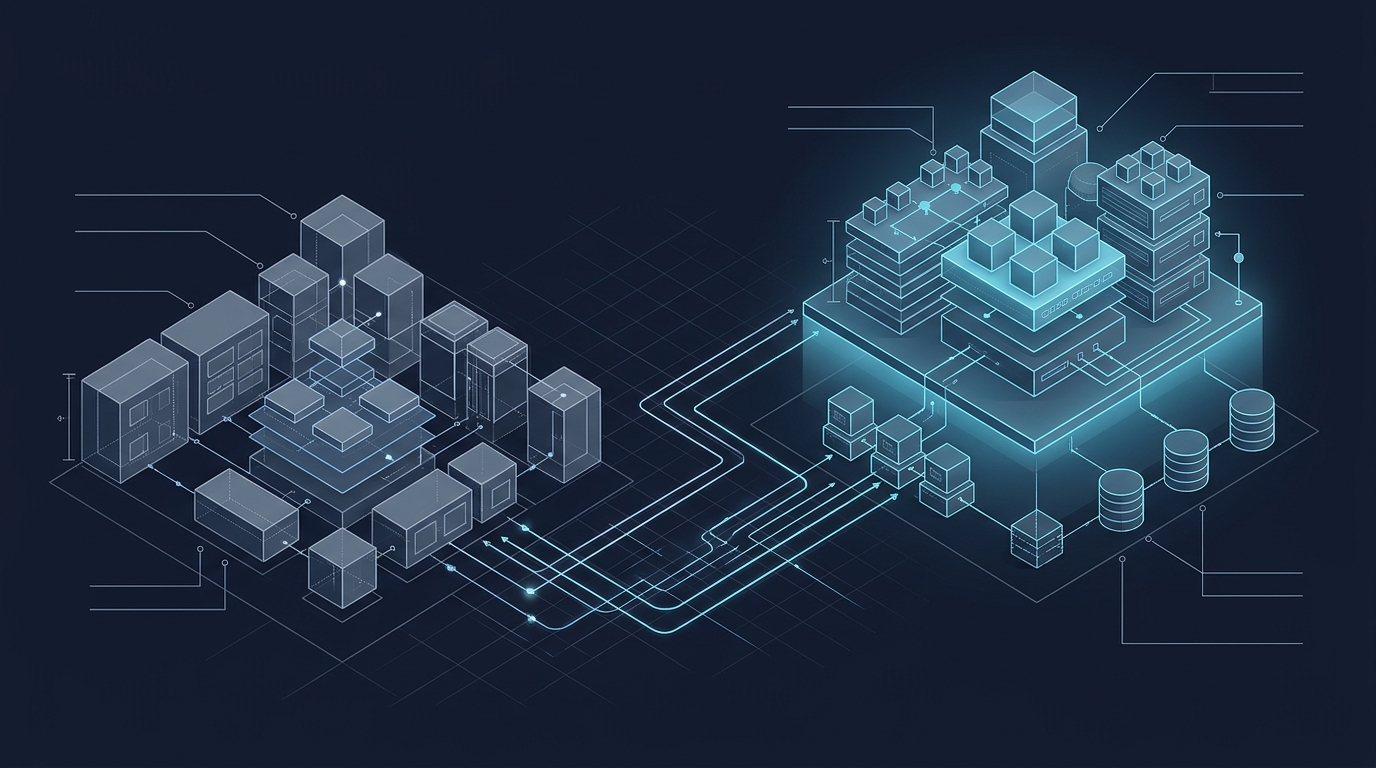
When Franz Maruna and Andrew Embler open-sourced Concrete5 back in 2008, it carved out a distinctive niche in the web content management landscape. Unlike WordPress with its decoupled admin dashboard or Drupal with its steep node-modeling curve, Concrete5 championed true on-page editing: click any block right on the live page, edit the text or swap an image, and approve the draft.
Fast-forward to today, and the platform has undergone a massive rebranding and architectural overhaul into Concrete CMS (beginning with version 9). Yet thousands of enterprise portals, higher-education sites, and government intranets remain anchored to legacy Concrete5 (v7 and v8) builds.
Navigating this upgrade is not simply hitting a single-click update button in the dashboard. It demands understanding fundamental shifts in PHP runtime compatibility, Doctrine ORM updates, and modern asset bundling. This guide walks tech leads, digital agencies, and in-house engineering teams through the realities of Concrete CMS development and safe migration.
The Rebranding: Why Concrete5 Became Concrete CMS
The shift from the “Concrete5” moniker to “Concrete CMS” was far more than cosmetic marketing. Historically, version jumps in Concrete5 were notorious for breaking backward compatibility:
– The transition from legacy versions (5.6 and below) to version 7 was essentially a ground-up architectural rewrite, adopting modern object-oriented paradigms, PSR standards, and Symfony components.
– By the time version 9 landed, the core team decided to drop the trailing numeral “5” to eliminate versioning confusion (e.g., people asking whether they were on Concrete “5.9”).
More importantly, the modern Concrete CMS project repositioned itself toward mission-critical environments. It achieved compliance with strict military and government security baselines—most notably becoming a trusted web platform for the U.S. Army and other federal bodies that require rigorous FIPS-compliant cryptography and multi-layered role-based access control (RBAC).
Architectural Evolution: What Changed Under the Hood?
If your engineering team is evaluating legacy Concrete5 codebases against current Concrete CMS releases, several key structural shifts stand out:
1. Symfony Component Modernization & PHP 8.x
Legacy Concrete5 (v8.5.x) was bound to legacy Symfony HTTPKernel and console components, frequently choking on modern PHP 8.1+ environments. Concrete CMS v9 rewritten dependency trees allow teams to deploy cleanly on modern PHP 8.2 and 8.3 runtimes, taking advantage of JIT compilation, typed properties, and enhanced memory garbage collection.
2. The Bedrock Asset Pipeline
Earlier Concrete5 versions relied heavily on ad-hoc asset loading via `AssetList` registers or manual enqueueing in `page_theme.php`. Modern Concrete CMS introduced Bedrock, an opinionated Node/Webpack foundation built on modern Bootstrap 5. This removes jQuery as an absolute frontend dependency for public-facing layouts, drastically slashing total page payload and boosting Google Core Web Vitals (specifically Largest Contentful Paint and Cumulative Layout Shift).
3. Boards and Advanced Content Scheduling
In legacy versions, dynamic landing pages typically required sprawling custom Page List blocks or heavy third-party add-ons. Concrete CMS introduced native Boards—a flexible data-aggregation grid that automatically pulls, filters, and formats content from calendar events, blog posts, and external social feeds into responsive card layouts without custom PHP templates.
Step-by-Step Migration Strategy: Moving from v7/v8 to Modern Concrete CMS
Migrating an enterprise site from Concrete5 v8.5.x to Concrete CMS v9+ is an operational engineering project. Here is the verified battle-tested checklist:
Enterprise Upgrade Pipeline: Concrete5 ➔ Concrete CMS v9+
Pre-Flight Audit
Staging clone on PHP 7.4 & patch to interim release v8.5.12.
Add-On Sanitization
Audit legacy marketplace packages & deprecated Loader calls.
CLI Database Migration
Execute schema updates via SSH terminal & switch to PHP 8.2+.
Theme Refactoring
Migrate templates to Bootstrap 5 & test visual in-context editing.
Phase 1: Pre-Flight Audit and PHP Verification
Do not attempt an in-place upgrade on live production.
- Duplicate the MySQL database and the
/applicationdirectory to a local or staging Docker container running PHP 7.4
first. - Verify that your current installation is patched to the latest point release of legacy: v8.5.12. Upgrading to v9 directly from v8.0 or
v7.x without intermediate stepping will cause fatal schema migration failures in Doctrine.
Phase 2: Add-On and Custom Block Sanitization
Legacy add-ons purchased from the legacy Concrete5 marketplace are the number one cause of upgrade crashes:
- Audit
/packages/and/application/blocks/. - Look for deprecated calls to
Loader::helper(),Database::get(), or archaic ad-hoc database queries that bypass Doctrine
DBAL. - Uninstall any abandoned third-party marketplace packages that lack documented v9 compatibility.
Phase 3: The Command-Line Upgrade (CLI)
Never execute enterprise upgrades through the browser dashboard web interface; web request timeouts will sever database migrations midway, leaving orphaned
tables.
Use the Concrete CLI runner via SSH:
# Check current environment status
./vendor/bin/concrete c5:status
# Execute the database migration runner
./vendor/bin/concrete c5:update
Once the schema migration completes successfully, switch your server environment to PHP 8.2 and rebuild cached block types:
./vendor/bin/concrete c5:clear-cache
Phase 4: Theme Refactoring and Bootstrap 5
If your legacy theme relied on Bootstrap 3 or 4 markup, your layout will not instantly break, but modal dialogs and on-page editable zones may experience CSS
conflicts with Concrete CMS v9’s dark admin UI panel. Refactor your /application/themes/your_theme/ templates to utilize clean Bootstrap 5
data-attributes (data-bs-toggle instead of data-toggle).
When to Choose Concrete CMS vs. Alternative Enterprise Platforms
Concrete CMS is an outstanding platform, but it is not a silver bullet for every project:
If your enterprise project demands multi-cloud governance and headless API orchestration across distributed channels, explore our deep comparison in our companion analysis on The Enterprise CMS Showdown: Magnolia, Kentico, and Acquia Integration Guide.
Similarly, if your organization is weighing legacy PHP platform migrations against microservice architectures, review our strategic playbook on Planning a Drupal Relaunch: Decoupled Architecture and Agency Selection Checklist.
Final Thoughts for Engineering Directors
Concrete CMS has matured into a dependable, enterprise-ready powerhouse that respects the content creator’s workflow while adhering to strict development standards. If your organization is running on aging Concrete5 infrastructure, staying on an end-of-life PHP 7.x stack is an unacceptable security vulnerability.
Plan your migration in a staged pipeline, clean up legacy block controllers, and embrace the modernized Bedrock architecture for a faster, safer web presence.